Link Solution
Shareable URL to a Quarterzip-hosted agent. Embed anywhere.
SDK Integration
Install a Quarterzip agent inside your product via an Javascript NPM package
Choosing the right Deployment Type
Most teams start first with the Link Solution to validate their use case, before graduating to the SDK for a tighter in-product user experience. An SDK integration requires that your site is predominately a Single-Page Application (SPA). Multi-page applications, hard page navigations or page refreshes will terminate the call with an agent. Users can start new calls, however this can be a worse experience for your users.Example: Quarterzip embedded via SDK
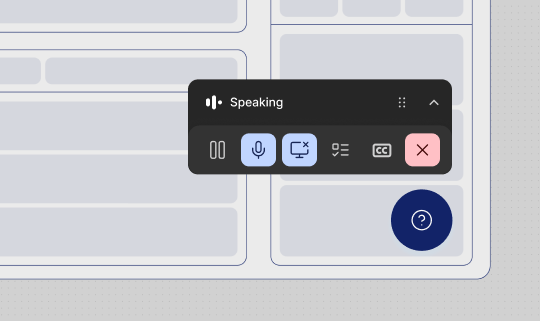
Explore this example app using the Quarterzip embedded SDK. The agent is accessible from the bottom-left button “Talk to an HR agent”. The button is controlled & styled by the app’s author. The Quarterzip Agent appears when a user interacts with the button. A draggable, resizable player sits over the site, and a picture-in-picture window keeps the session alive if the user navigates to another tab once the call has started.